RenPyCloud
A downloadable game for Windows
☁️ RenPyCloud
Your Ren’Py library. Organized, protected, and always ready.
RenPyCloud is an all-in-one Windows game manager and cloud backup solution designed specifically for Ren’Py games.
Build and organize your library, launch games directly from the app, automatically protect your save data while you play, restore previous backups, and keep everything managed from one modern interface.
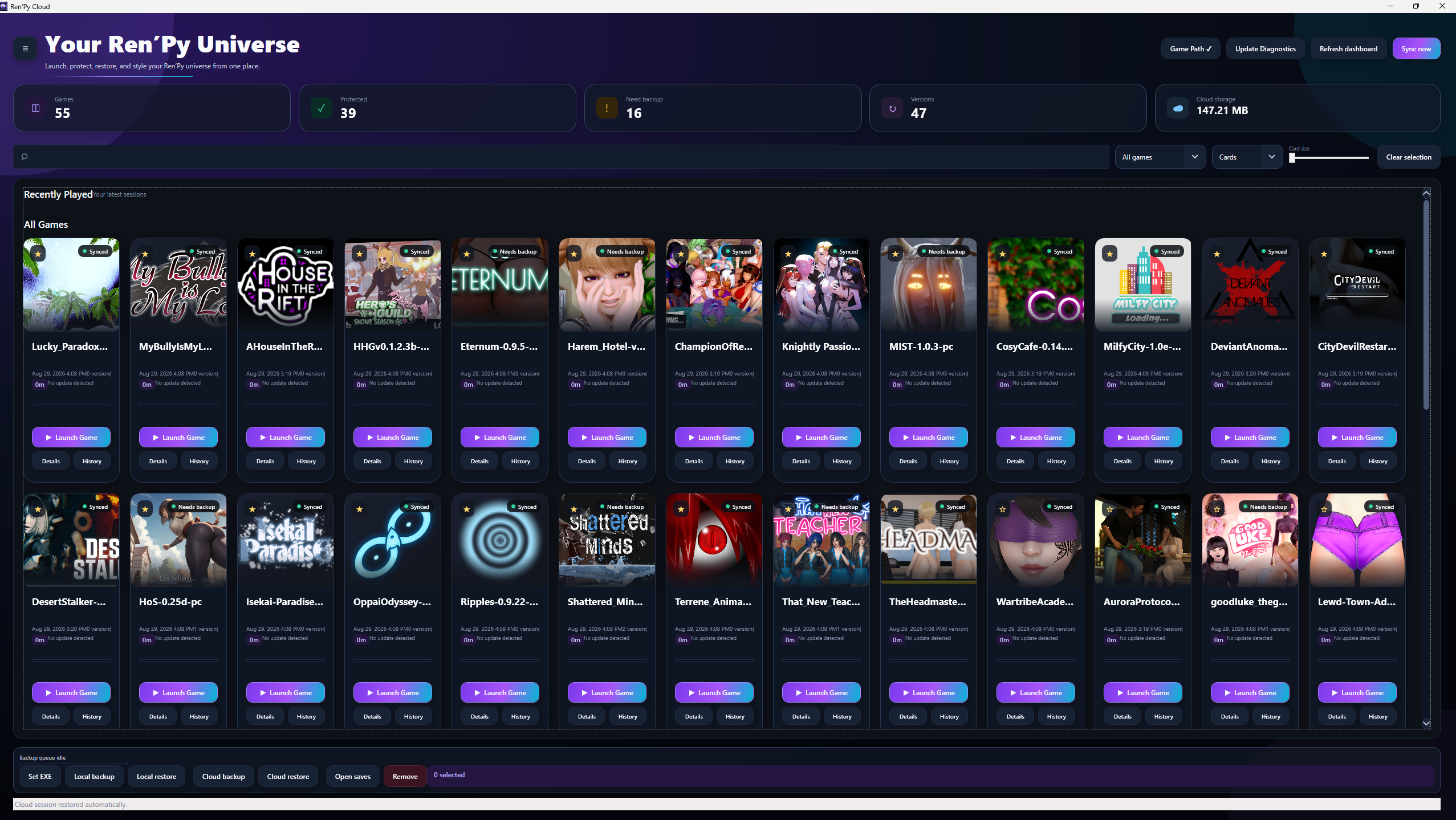
🎮 Your Ren’Py Game Library
RenPyCloud automatically searches your PC for Ren’Py games and brings them together into a centralized library.
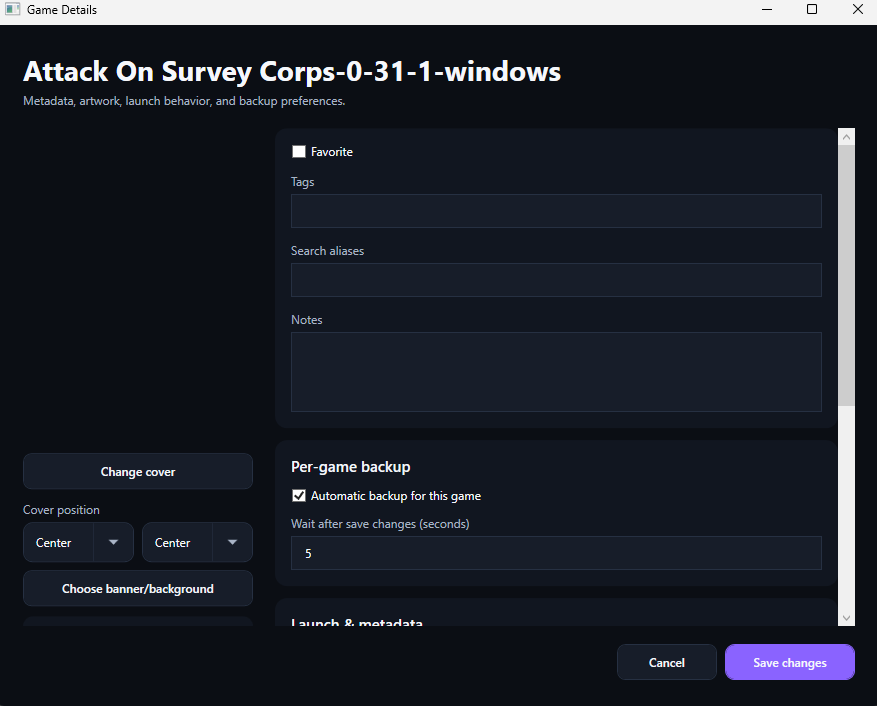
Each game gets its own customizable card with cover artwork, cloud status, backup information, and quick access to important actions.
Your library includes:
- Automatic Ren’Py game detection
- Launch games directly through RenPyCloud
- Automatic game relocation detection
- Custom game cover artwork
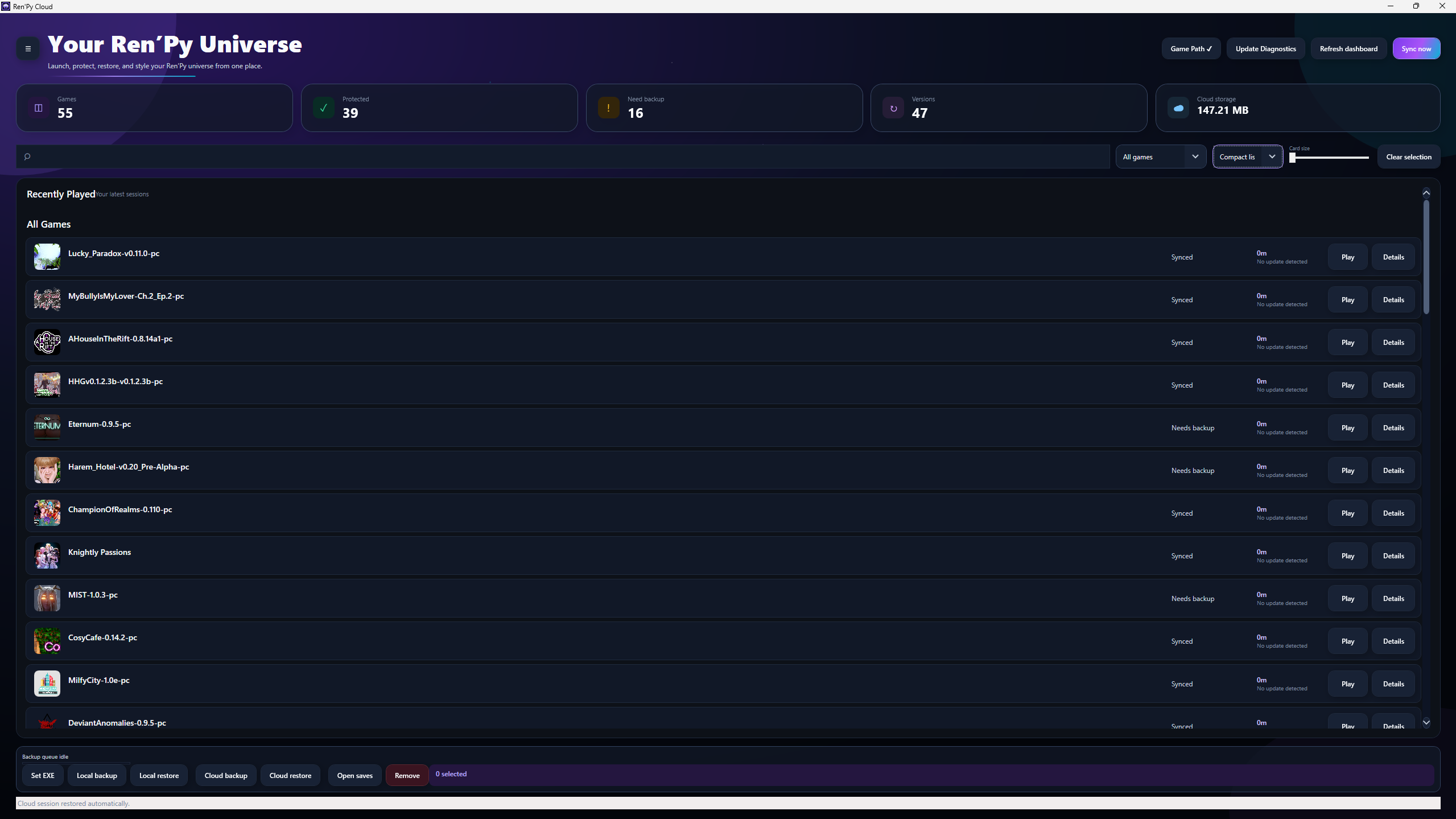
.icoartwork fallback- Adjustable game-card sizes
- Compact and list views
- Multi-game selection
- Search aliases
- Fuzzy search
- Persistent UI settings
☁️ Automatic Cloud Save Backups
RenPyCloud is built around one simple idea: your saves should never disappear because something happened to your PC.
Once configured, RenPyCloud can automatically protect your save data without requiring you to manually upload it every time you play.
Automatic backups can run:
- While your game is running
- At a configurable backup interval
- When your game closes
- Manually whenever you want
Each game can have its own backup configuration, allowing you to decide exactly how RenPyCloud handles your saves.
🕒 Backup History & Restore
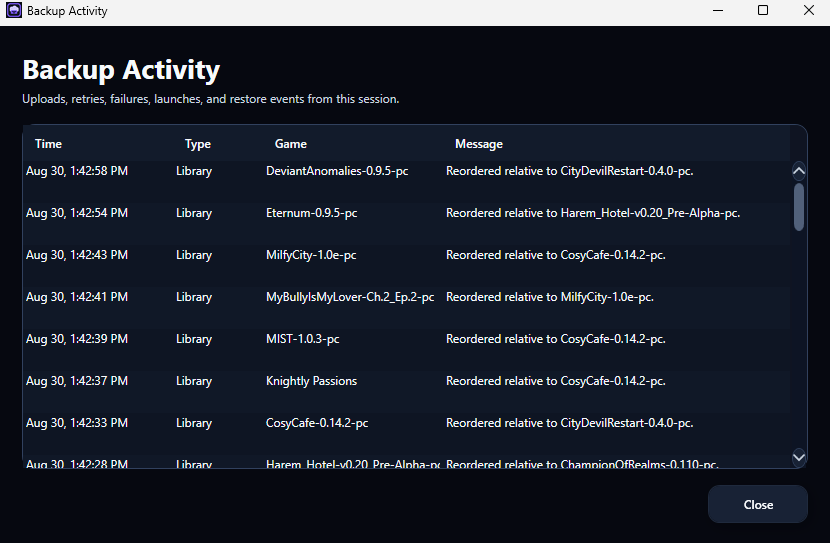
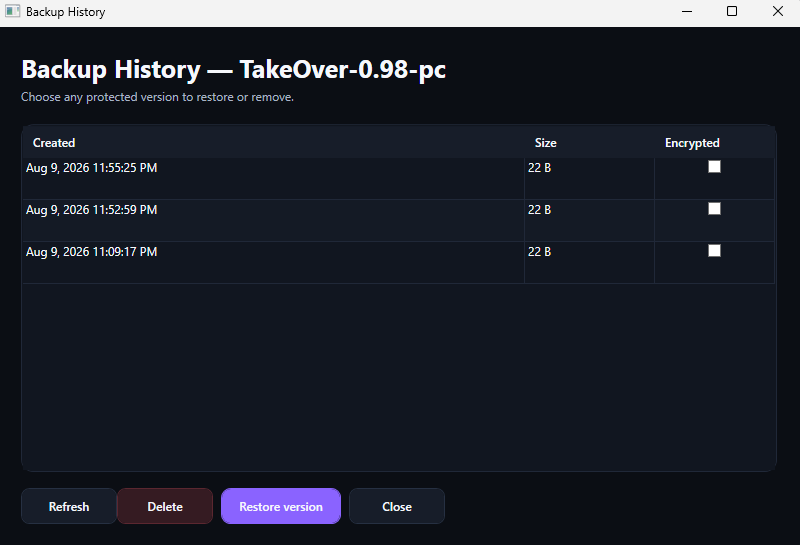
Every game has its own backup history, giving you visibility into when backups were created and whether they completed successfully.
RenPyCloud includes:
- Detailed backup history
- Cloud synchronization status
- Backup timestamps
- Backup progress
- Queued backup indicators
- Backup cancellation
- Failure information and status badges
- Previous backup restoration
If something goes wrong with a save, you have previous cloud backups available instead of relying on a single copy.
💾 Smart Cloud Storage Management
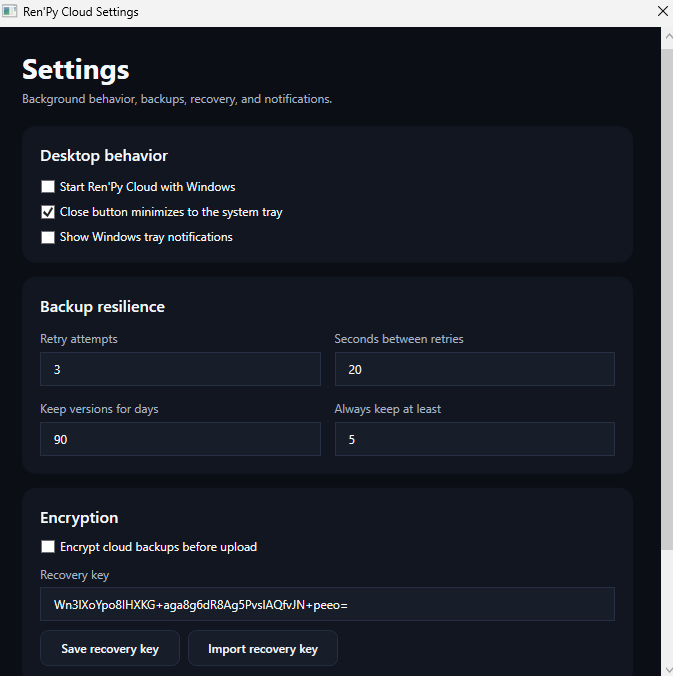
You decide how many cloud backups RenPyCloud should retain for each game.
Once that limit is reached, RenPyCloud can automatically remove the oldest backup as new ones are uploaded.
This gives you multiple restore points without allowing old backups to consume unlimited cloud storage.
❤️ Game Health
RenPyCloud helps you quickly understand the status of every game in your library.
Game health information can identify backup problems, missing paths, synchronization issues, and other conditions that may require attention.
Instead of discovering a backup failed when you actually need it, RenPyCloud makes problems visible beforehand.
🖥️ Designed to Stay Out of Your Way
RenPyCloud can continue running from the Windows system tray while you play.
Launch a game, minimize RenPyCloud, and let it handle your backups in the background.
Additional quality-of-life features include:
- System tray support
- Hideable sidebar
- Remembered interface state
- Device identification
- Themes and accent customization
- Game-card hover information
- Custom cover positioning
- UI animations and effects
- Custom interface sounds
🔄 Automatic Updates
RenPyCloud includes its own update system.
When a new version becomes available, the app can detect the release and provide update information directly inside RenPyCloud.
Updates include:
- Automatic update checks
- Update notifications
- Release notes
- Integrated update installation
No need to constantly check the download page for new versions.
🚀 Built Specifically for Ren’Py
RenPyCloud isn't intended to replace general-purpose launchers.
It is designed around the needs of Ren’Py players and their save files.
The goal is simple:
One place for your Ren’Py library. Automatic protection for your saves. Easy recovery when something goes wrong.
Install your games. Add them to RenPyCloud. Play normally.
RenPyCloud handles the rest.
Download
Install instructions
Launch
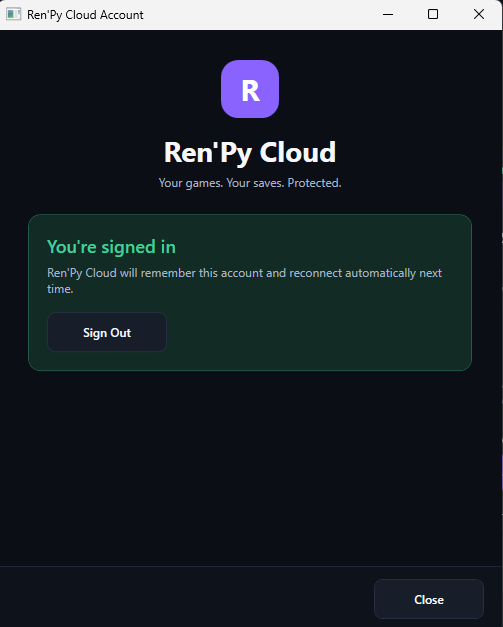
Create Account
Play
Development log
- Quick patch10 days ago
- RenPyCloud v1.22 Update10 days ago
- RenPyCloud — QoL Update29 days ago
Leave a comment
Log in with itch.io to leave a comment.