Major Update
RenPyCloud » Devlog
Major Update
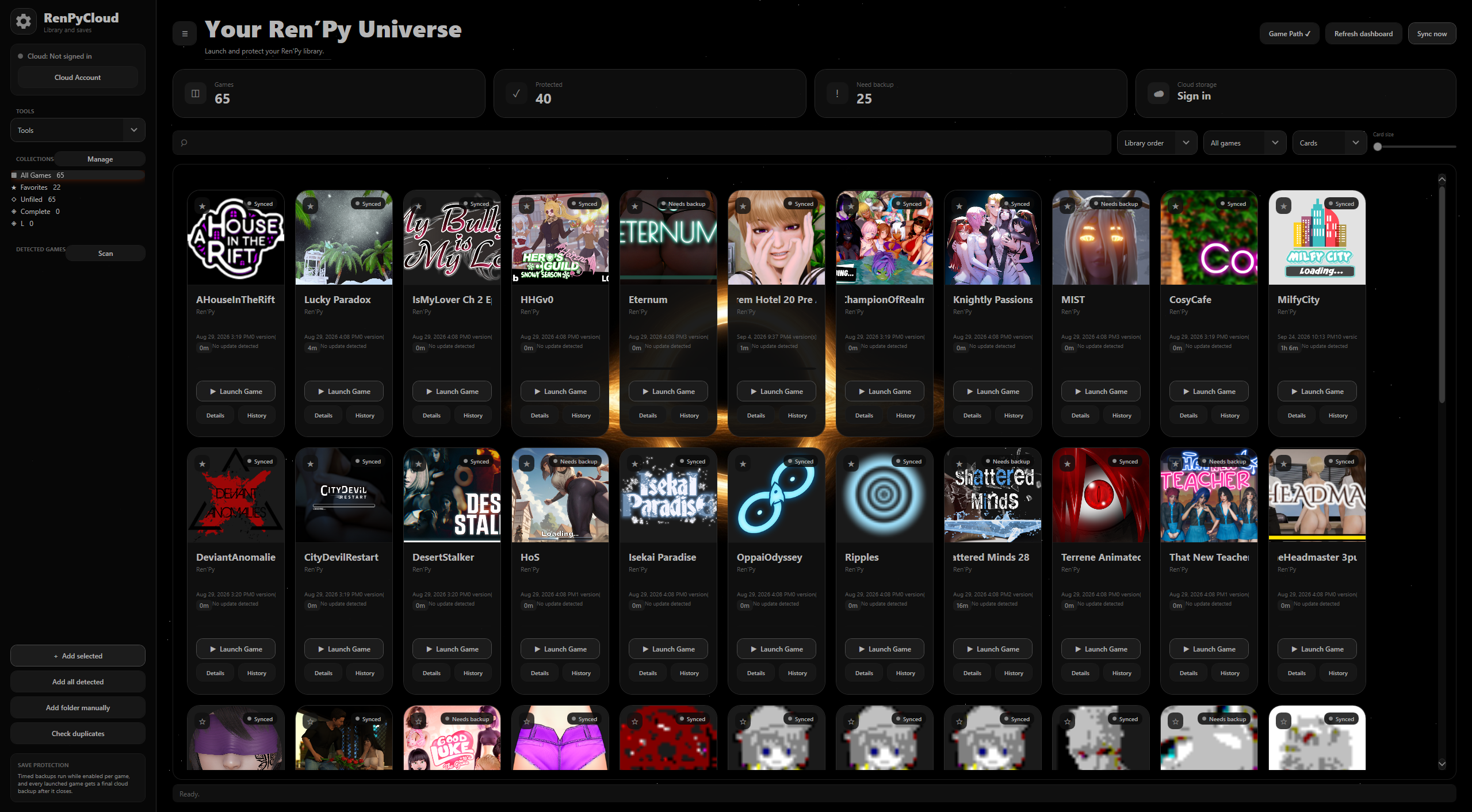
Ren’Py Cloud 2.0.0.0 is a new look, more engines, and a faster library.
Newly added
- Godot, RPG Maker, Unity, and Unreal can be scanned, launched, given covers, backed up, restored, and organized the same way as Ren’Py games.
- Each card shows its engine. The library can be limited to Ren’Py, Godot, RPG Maker, Unity, or Unreal.
- Themes: Classic, Black Hole, Halloween 2026, Halo Master Chief, Anime Girls, and Love. Each has its own colors, window background, logo, and a soft launch sound that fades out.
- The intro, taskbar, and tray logo follow the theme you pick.
- A dark intro with the theme logo and a loading bar.
- A Sound tab with a switch to turn sounds on or off, a volume slider, and background music.
- Background music fades out when you turn it off and stops when a game launches. The song list appears only while it is on: Our Path, About Ourselves, And Each Other, Dear Axelia, Dreamy Calm, Dreamy Romantic, In Dreamland Lofi, and Slow Beat. Our Path plays until you choose another song.
- A soft card-slide sound when you pick up a card to reorder it.
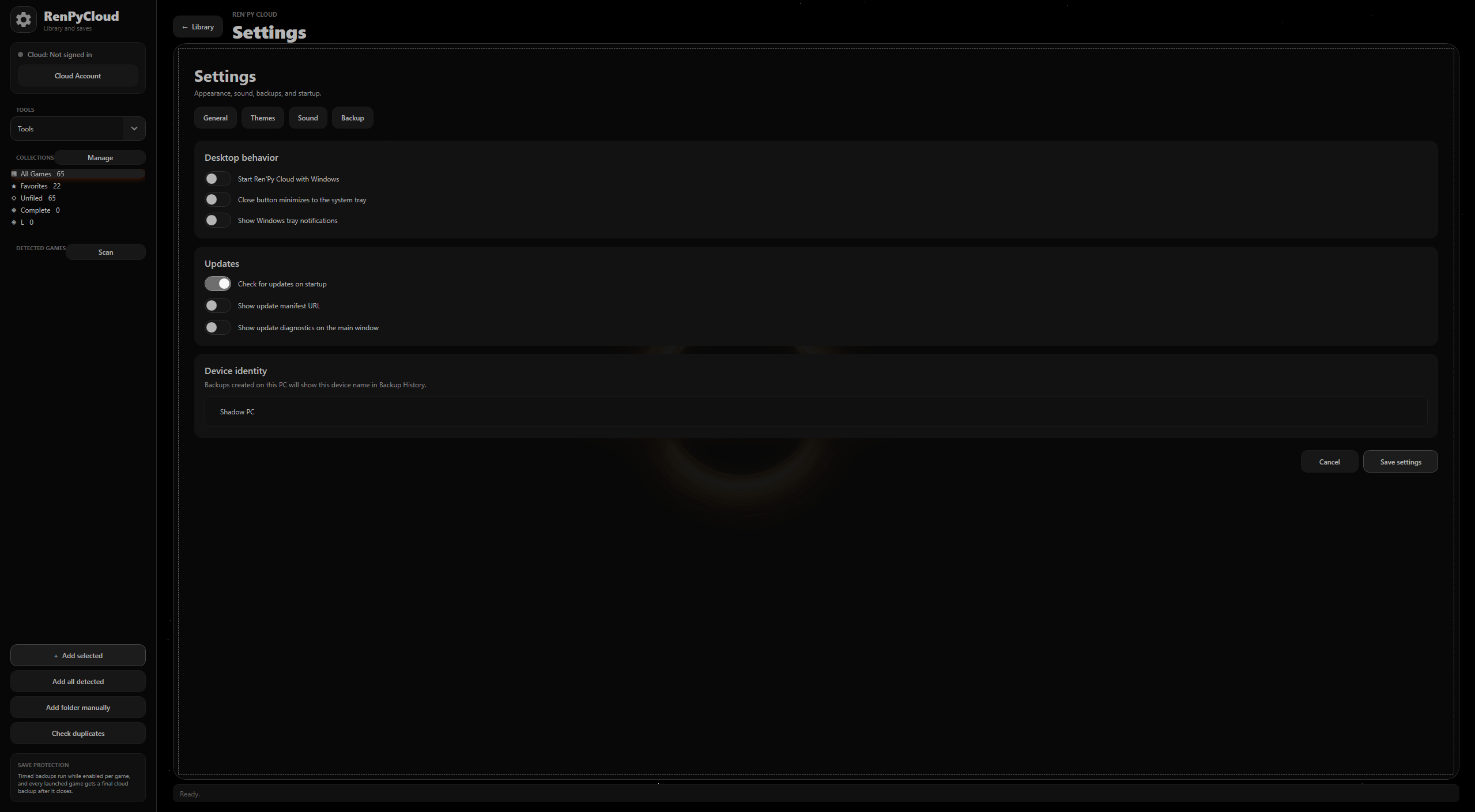
- Themes, Sound, and Backup tabs in Settings, opened from the gear icon.
- Right-click a card for remove, open saves, set the executable, and local or cloud backup and restore.
- Game names that do not fit a card scroll slowly so the full name can be read.
- Games can be renamed in Details. Existing cloud backups stay attached to the new name.
- RPG Maker games use their real titles instead of being added as Game.
- New games drop version numbers and tags such as pc or win64 from the end of the name. A title like Final Fantasy 7 keeps its number.
- Settings, tools, game details, history, and the other pages now open as screens inside the app. Opening another screen closes the one already open.
- Confirmation messages use the active theme.
- A switch to show or hide the update manifest address.
Changed
- The library loads faster, and looking for a newer install stays inside your Game folder instead of searching the whole PC.
- Reordering cards no longer freezes when you drop one into place.
- Switching the library to an engine with a lot of games is much faster.
- Cover art is no longer cut off by a gray bar, and the old Never hover label is gone. The engine name sits under the title.
- A selected card keeps its lift and glow.
- RPG Maker games that share the name Game.exe are no longer treated as updates of each other.
- Deleting an old install is no longer blocked because the app was holding a cover file open.
- Dropdowns no longer clip the highlight on each row.
- The detected-games list is no longer cut off, and Shift-click selects a range there as well as in the library.
- Tool screens, tables, and progress bars use rounded corners.
- Switches follow the active theme.
- Borderless fullscreen is optional per game.
- The update manifest address can no longer be edited.
- Godot games are detected more reliably, including projects that do not ship a separate pack file.
Removed
- Separate popup windows. Those pages now open as screens inside the app.
- Recently Played at the top of the library.
- The Versions tile on the dashboard.
- The row of backup, restore, and remove buttons along the bottom. Those actions are on the card’s right-click menu. Backup progress still appears while a backup is running.
Godot, RPG Maker, Unity, and Unreal are still being tested. You may run into bugs or errors with these engines.
Files
RenPyCloudSetup-1.11.2.msi 57 MB
60 days ago
Get RenPyCloud
RenPyCloud
| Status | Released |
| Author | COSMIC ZERO |
| Tags | Adult, Ren'Py, software |
More posts
- Quick patch40 days ago
- RenPyCloud v1.22 Update41 days ago
- RenPyCloud — QoL Update60 days ago
Leave a comment
Log in with itch.io to leave a comment.